Cross-platform Console based FFT display
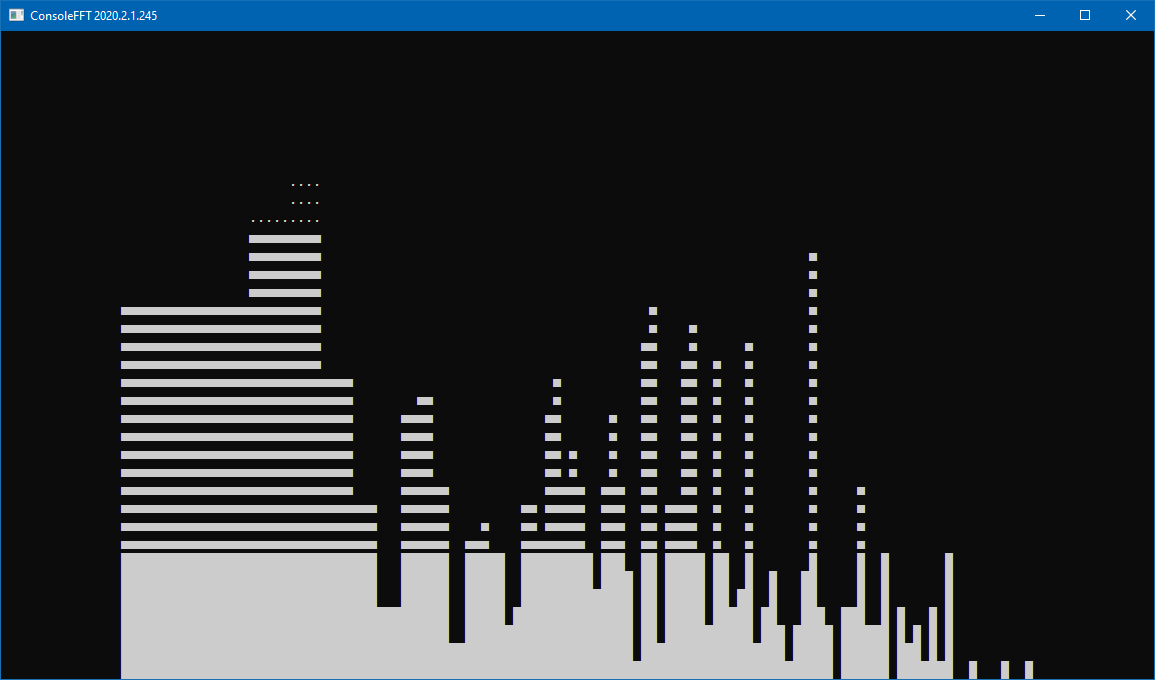
This project uses the OpenTK framework.
- Under Windows you should install OpenAL from https://openal.org/downloads/
- Under Linux you should install
libopenal1. - Under MacOS Tiger and above, OpenAL is already included in Sound Manager
For usage information, run ConsoleFFT with the optional help parameter:
ConsoleFFT -help
As of commit 8d73c81 the available options are:
- -list: List available audio capturing devices
- -device=n: Set capture to devices by its index. Setting n=0 will select the default device.
- -frequency=n: Set the sampling rate frequency. By default, set to 44,100 KHz
- -bits=n: Set the sampling bit rate. Valid values are 8 or 16. By default, set to 16 bits
- -fft=n: Set the size of Fourier transform. By default, set to 1,024 bands
- -scale=n: Set the graph scale. By default, set to 0.000005
- -help: This printout
All parameters are optional
As of commit 20d6c11 you can press the space bar to switch between FFT and Waveform display.