





Helps yoou quickly config theme support using UI.
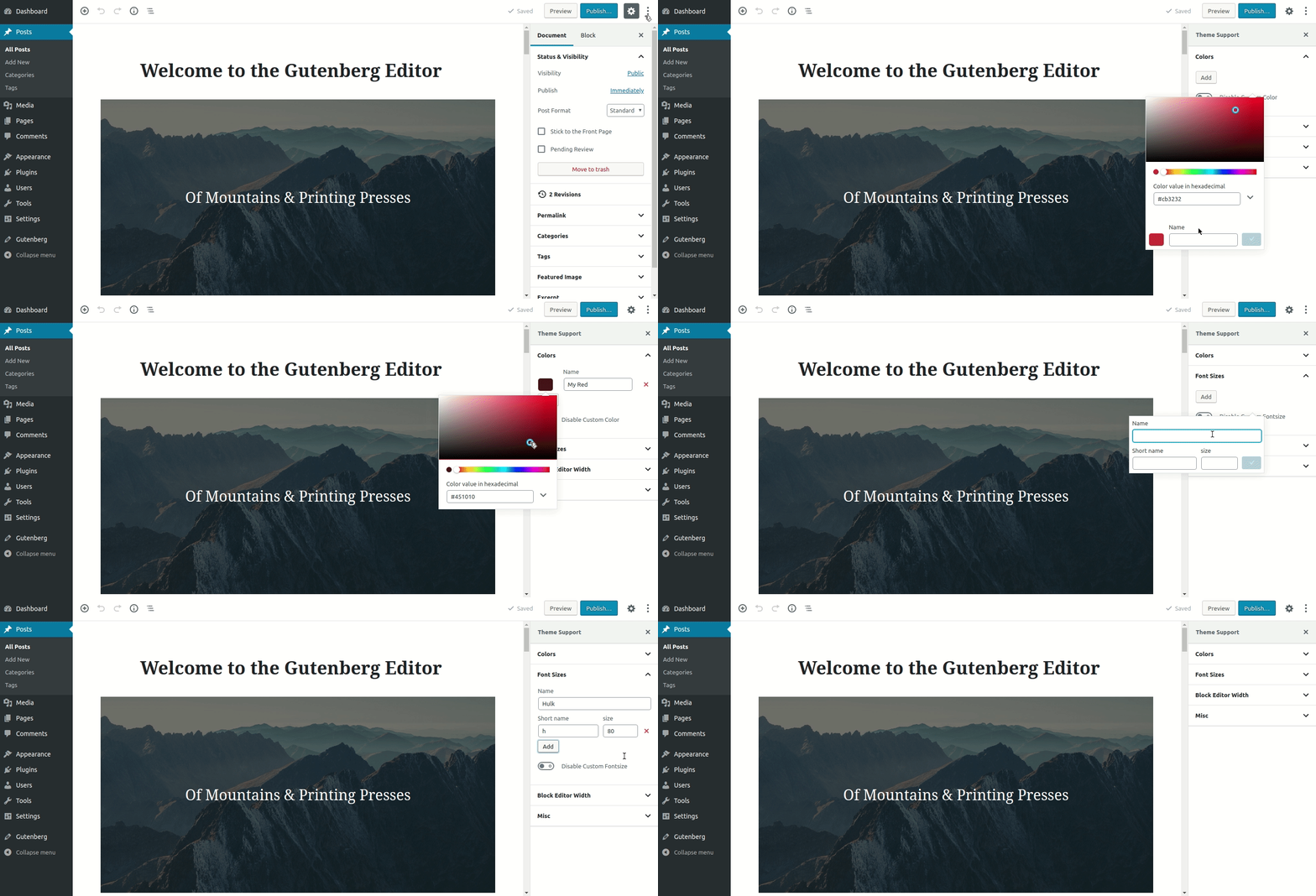
From your WordPress dashboard
- Visit
Plugins > Add New - Search for
Theme Supportor upload zip file - Activate
Theme Supportfrom your Plugins page
- Download "Theme Support".
- Upload the
theme-supportdirectory to your '/wp-content/plugins/' directory, using your favorite method (ftp, sftp, scp, etc...) - Activate
Theme Supportfrom your Plugins page.
- Simply activate and new menu will be registered
- Config Theme Support
Please see the Changelog
If you have any suggestions/feature request that you would like to see in the upcoming releases, feel free to let us know in the issues section
Thank you in advance if you wish to contribute to the Theme Support. You can read the contribution guide lines here
Check the development tasklist here, if something interests you or want to suggest something click here
If you discover any security related issues, please email to ajit@lubus.in instead of using the issue tracker.

|

|

|
| More coming soon ... |

LUBUS is a web design agency based in Mumbai, India.
You can pledge on patreon to support the development & maintenance of various opensource stuffs we are building.
Theme Support is an open-source software licensed under the GPL 3.0 license
